Best Practices for Storing Electronics and Appliances Safely |
| BEST PRACTICES FOR STORING ELECTRONICS AND APPLIANCES
⏱ 12 min read ·
📄 #2,212 words
Learn how to store electronics and appliances properly with expert tips on climate control, packing materials, and preparation steps that prevent damage.
|
S tore electronics and appliances in climate-controlled environments between 50 and 80 degrees Fahrenheit with humidity levels below 50 percent. Clean all items thoroughly, remove batteries, back up data, and use original packaging or anti-static materials. These steps prevent corrosion, moisture damage, and component failure during storage periods ranging from weeks to years.
| Key Points: | |
|---|---|
| • | Climate-controlled storage maintains 50 to 80 degrees Fahrenheit, preventing circuit board damage and screen degradation |
| • | Remove all batteries before storage to prevent acid leaks that cause permanent corrosion within 3 to 6 months |
| • | Original manufacturer packaging provides the best-fitting protection for electronics compared to generic boxes |
| • | Back up all data to cloud services or external drives before storing computers, phones, and tablets |
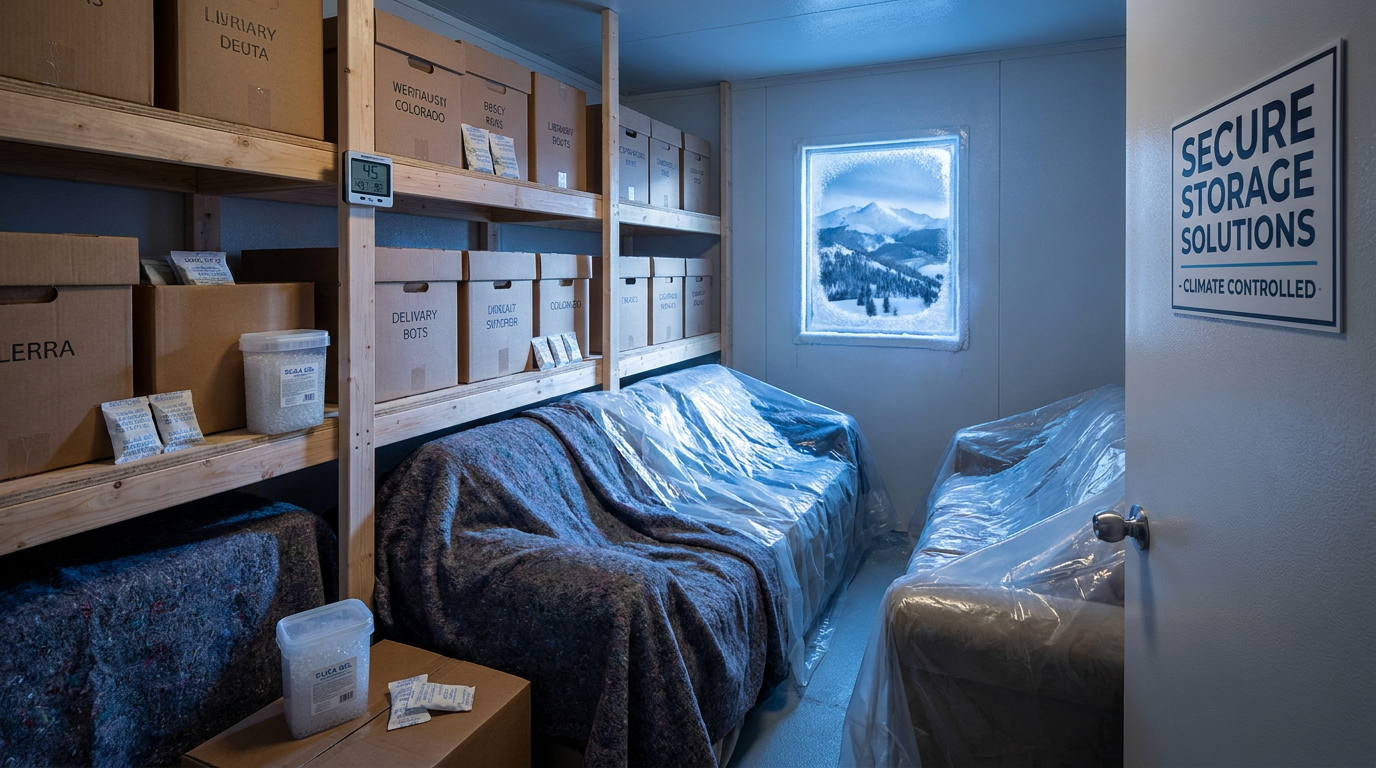
| • | Silica gel packets absorb moisture and should be placed inside every container holding electronic devices |
Why Climate Control Matters for Electronics Storage
Temperature fluctuations cause condensation inside electronic devices, leading to short circuits and permanent component failure. According to the Consumer Electronics Association, temperature swings of more than 20 degrees within 24 hours create moisture buildup that damages circuit boards. Standard garage storage exposes items to temperatures ranging from below freezing to over 100 degrees Fahrenheit in Colorado mountain climates.
Humidity above 50 percent accelerates corrosion on metal contacts and connectors. A 2024 study by the International Association of Certified Home Inspectors found that electronics stored in non-climate-controlled spaces showed visible corrosion within 8 months. Climate-controlled units maintain consistent conditions year-round, protecting sensitive microprocessors and display panels.
LCD and LED screens are particularly vulnerable to extreme temperatures. Liquid crystal displays can develop permanent dark spots when exposed to temperatures below 32 degrees Fahrenheit. OLED panels in devices from manufacturers like Samsung, LG Electronics, and Apple degrade faster in high humidity environments. Elk Mountain Storage offers enclosed interior units that keep sensitive electronics out of the weather, and the preparation steps below add another layer of protection.
Essential Preparation Steps Before Storage
Proper preparation takes 2 to 4 hours per major appliance or electronics setup but prevents thousands of dollars in damage. Most electronics damage in storage traces back to inadequate preparation rather than storage conditions.
Cleaning Electronics Before Storage
Dust particles attract moisture and create conductive pathways that short-circuit components. Use compressed air to remove debris from vents, ports, and keyboards. Microfiber cloths with 70 percent isopropyl alcohol sanitize screens and surfaces without leaving residue. Allow 30 minutes of drying time before packing.
Refrigerators and freezers require 24 to 48 hours of defrosting before storage. Residual moisture causes mold growth within 2 weeks in sealed compartments. Clean interior surfaces with a solution of 2 tablespoons baking soda per quart of water. Leave doors slightly ajar during storage to prevent odor buildup.
Battery Removal and Data Backup
Alkaline batteries leak corrosive acid after 3 to 6 months of non-use. Remove batteries from remote controls, wireless keyboards, gaming controllers, and portable devices. Lithium-ion batteries in laptops and tablets should be charged to 50 percent capacity before storage, according to Apple and Dell manufacturer guidelines.
Back up computer data to cloud services like Google Drive, Microsoft OneDrive, or Apple iCloud before storage. External hard drives from Western Digital, Seagate, or Samsung provide offline backup options. The 3-2-1 backup rule recommends three copies of data on two different media types with one stored offsite.
Packing Materials and Techniques
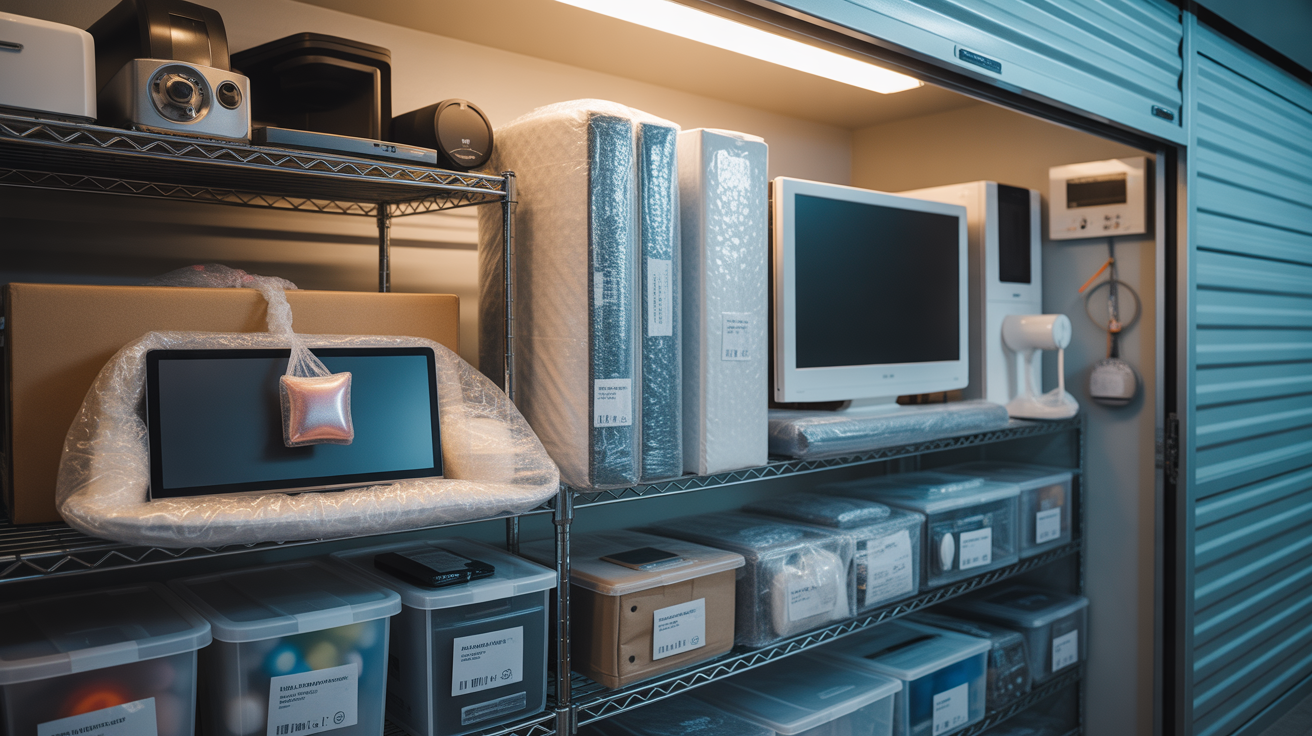
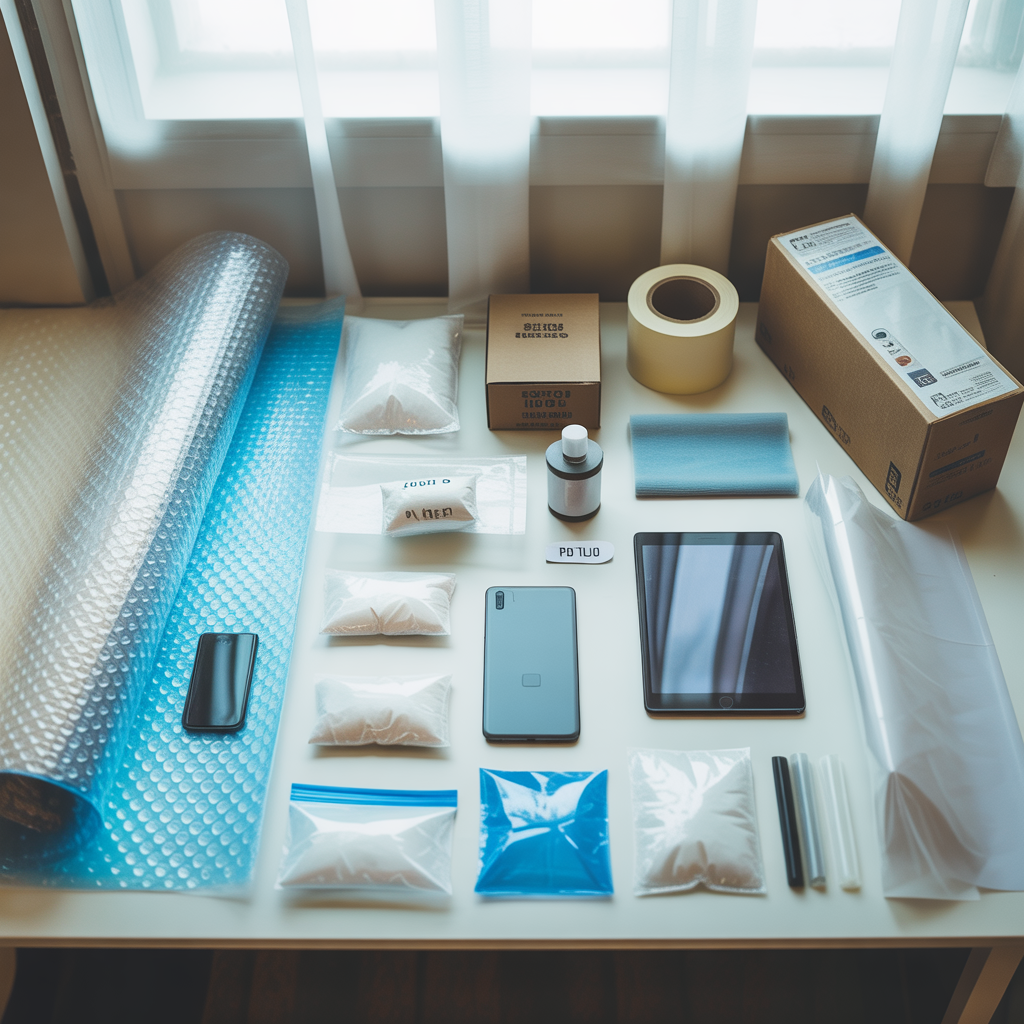
The right packing materials reduce damage risk by protecting against impact, moisture, and static electricity. Original manufacturer boxes provide custom-fitted protection designed for each specific device. When original packaging is unavailable, alternative materials offer comparable protection at lower cost.
| Packing Material | Best For | Cost Per Item | Protection Level |
|---|---|---|---|
| Original Packaging | TVs, Monitors, Gaming Consoles | Free | Excellent |
| Anti-Static Bags | Computer Components, Circuit Boards | $2 to $5 | Excellent |
| Bubble Wrap | Small Appliances, Tablets | $1 to $3 | Good |
| Foam Padding | Large Electronics, Speakers | $3 to $8 | Very Good |
| Cotton Cloths | Screens, Glass Surfaces | $1 to $2 | Moderate |
| Silica Gel Packets | All Electronics (Moisture Control) | $0.25 to $0.50 | Essential |
Anti-Static Protection Requirements
Static electricity discharges of just 25 volts damage sensitive computer components, according to the Electrostatic Discharge Association. Humans cannot feel static discharges below 3,500 volts, meaning invisible damage occurs without warning. Anti-static bags create a Faraday cage that redirects electrical charges away from sensitive circuits.
Never wrap electronics directly in plastic bags or plastic wrap. These materials generate static electricity through friction and trap moisture against device surfaces. Pink anti-static bubble wrap provides both impact protection and static dissipation for items like graphics cards, RAM modules, and solid-state drives.
Cable and Accessory Organization
Label all cables with masking tape and marker before disconnecting. Photograph cable connections on complex setups like home theater systems or computer workstations. Store cables in separate labeled bags within the same box as their corresponding device. Velcro cable ties prevent tangling without damaging wire insulation.
Storage Unit Selection and Setup
Choosing the right storage unit size and features determines long-term protection for valuable electronics. A 2025 survey by SpareFoot found that 34 percent of storage customers underestimate their space needs, leading to improper stacking and item damage.
Size Requirements for Common Electronics
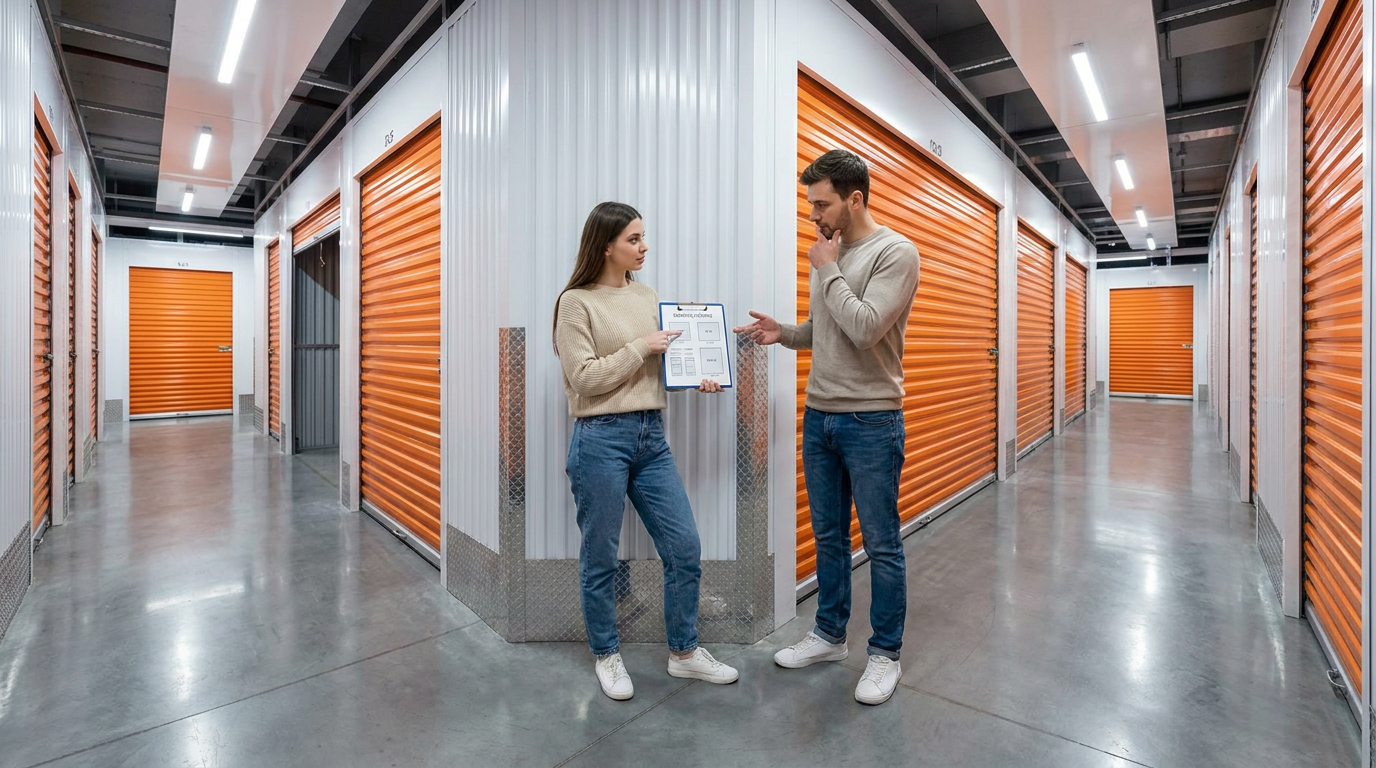
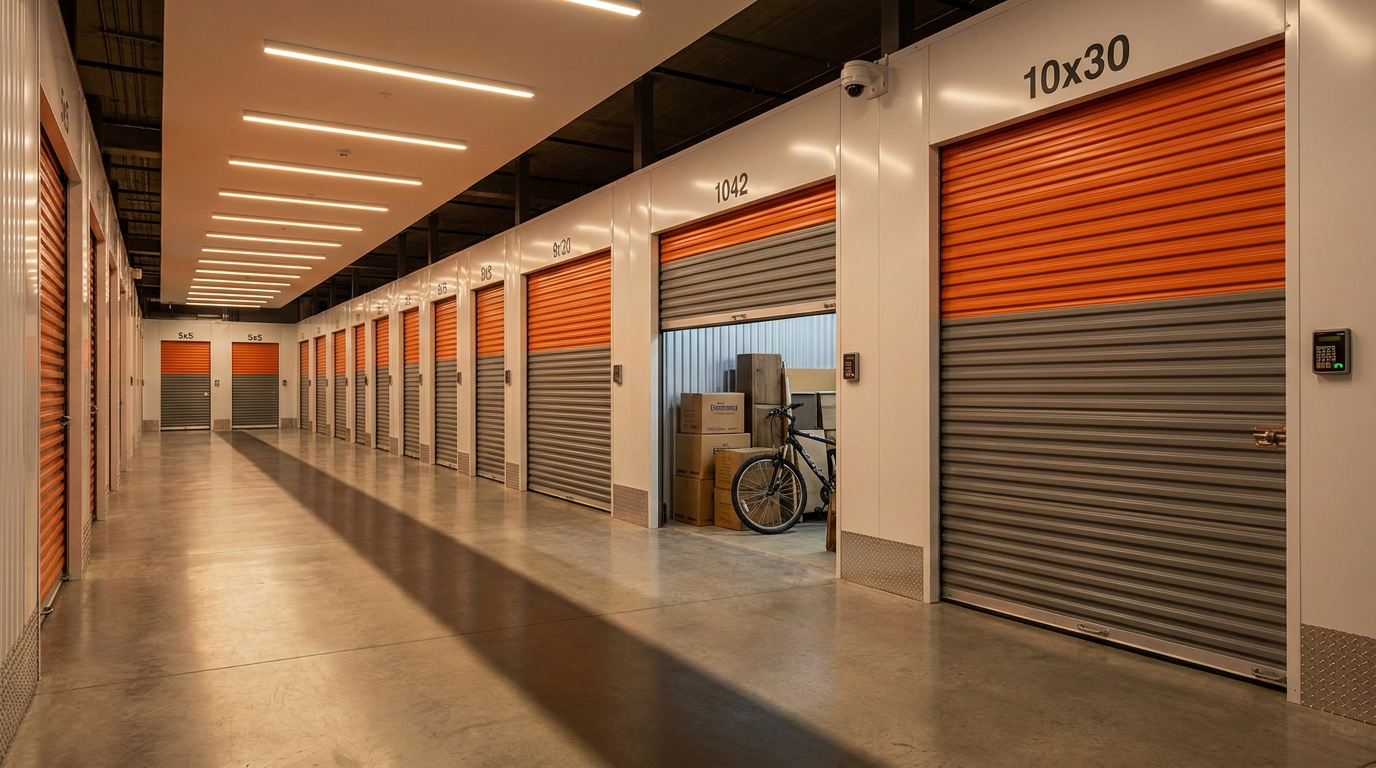
A 5x5 foot unit accommodates 2 to 3 televisions, a computer setup, and several small appliances. Larger collections including refrigerators, washing machines, and multiple entertainment systems require 10x10 foot units or larger. Elk Mountain Storage provides a comprehensive storage unit size guide to help determine exact requirements.
Allow 2 feet of clearance around large appliances for air circulation. Stack boxes no more than 3 high, placing heavier items on the bottom. Create aisles for access to items you may need during the storage period. Place frequently accessed items near the unit entrance.
Climate Control vs. Standard Storage
Climate-controlled units cost $30 to $80 more per month than standard units but provide essential protection for electronics valued over $500. The temperature stability alone helps prevent the condensation and corrosion that shorten the life of stored electronics.
Standard drive-up units work adequately for short-term storage of 1 to 3 months in mild weather conditions. However, Crested Butte's mountain climate produces temperature swings of 40 degrees or more between day and night during spring and fall. Interior units at Elk Mountain Storage keep belongings fully enclosed and shielded from outdoor weather. Note that our units are not climate controlled, so renters storing high-value electronics long-term should follow the preparation steps in this guide and consider moisture-absorbing products.
Appliance-Specific Storage Guidelines
Different appliances require specific preparation and storage techniques. Following manufacturer recommendations extends appliance lifespan and maintains warranty coverage where applicable.
Refrigerators and Freezers
Defrost completely for 24 to 48 hours before storage. Remove all food, shelving, and drawers. Clean interior surfaces with baking soda solution and dry thoroughly. Disconnect water lines from ice makers and drain completely. Tape doors slightly open to prevent mold and mildew growth.
Store refrigerators upright whenever possible. Laying a refrigerator on its side can cause compressor oil to migrate into cooling lines, potentially requiring professional service before reuse. If horizontal transport is necessary, allow the unit to stand upright for 24 hours before plugging in.
Washing Machines and Dryers
Run an empty hot water cycle with 2 cups of white vinegar to clean washing machine interiors. Disconnect and drain all hoses completely. Use shipping bolts on front-loading washers to secure the drum during transport and storage. Clean dryer lint traps and vent connections to remove fire hazards.
Leave washer and dryer doors open during storage to prevent moisture accumulation and odor development. Place a small container of baking soda inside each unit to absorb residual odors. Wrap power cords with twist ties and tape to the back of each appliance.
Televisions and Monitors
Transport and store televisions vertically in their original boxes whenever possible. Screen-down storage causes pressure damage to LCD and OLED panels. Wrap screens in soft cotton cloth before applying bubble wrap to prevent scratching from packaging materials.
Place televisions against interior walls of the storage unit, away from the door where temperature fluctuations are greatest. Never stack items on top of television boxes, even in original packaging. Improper stacking is one of the most common causes of television damage in storage.
Long-Term Storage Maintenance
Electronics stored for more than 6 months require periodic inspection and maintenance. The National Association of Professional Organizers recommends quarterly visits to storage units containing valuable electronics.
Inspection Schedule and Checklist
Visit your storage unit every 3 months to check for signs of moisture, pest activity, or temperature damage. Open boxes and inspect items for condensation, corrosion, or unusual odors. Replace silica gel packets that have changed color, indicating moisture saturation.
Run computer equipment for 15 to 30 minutes every 6 months to prevent capacitor degradation. Lithium-ion batteries in laptops and tablets should be recharged to 50 percent capacity during these visits. Document the condition of items with photographs for insurance purposes.
Signs of Storage Damage
White or green residue on metal contacts indicates corrosion from moisture exposure. Cloudy or discolored screens suggest temperature damage to liquid crystal layers. Musty odors signal mold growth that may have spread to internal components. Address these issues immediately by moving items to climate-controlled storage.
Common Electronics Storage Mistakes to Avoid
Learning from common mistakes prevents costly damage and extends the useful life of stored electronics. These errors account for over 70 percent of electronics damage claims, according to insurance industry data.
Plastic Wrap and Sealed Containers
Sealing electronics in airtight plastic containers traps existing moisture inside, creating a humid microenvironment. This trapped moisture causes faster corrosion than open storage in humid conditions. Use breathable cotton covers or loosely closed cardboard boxes instead.
Garage and Attic Storage
Garages and attics experience the most extreme temperature variations in any home. Summer attic temperatures in Colorado can exceed 140 degrees Fahrenheit, far beyond safe operating ranges for any electronic device. Winter garage temperatures drop below freezing, causing LCD screen damage and battery failure.
Stacking Heavy Items on Electronics
Even sturdy-looking boxes cannot withstand prolonged pressure from heavy items. Screen bezels crack under sustained weight, and internal components shift out of alignment. Store electronics on shelving units or at the top of stacking arrangements.
Frequently Asked Questions
How to store electronics for long-term storage?
Long-term electronics storage requires climate-controlled environments maintaining 50 to 80 degrees Fahrenheit and below 50 percent humidity. Remove all batteries, back up data, and clean devices thoroughly before packing in original boxes or anti-static materials. Include silica gel packets in each container and inspect items every 3 months. Learn more about protecting your stored items with proper coverage.
Is it safe to store electronics in Ziploc bags?
Standard Ziploc bags are not safe for electronics storage. Plastic bags generate static electricity that damages sensitive components and trap moisture against device surfaces. Use anti-static bags designed for electronics, which cost $2 to $5 per bag and provide proper protection. Anti-static bags are available at electronics retailers like Best Buy, Micro Center, and Amazon.
What items cannot be stored in a storage unit?
Most storage facilities prohibit hazardous materials, perishable food, living plants or animals, and flammable substances. Propane tanks, gasoline containers, and lithium batteries with visible damage pose fire risks. Check with your specific facility for a complete list of prohibited items. Elk Mountain Storage staff can answer questions about acceptable items at 970.316.4811.
Is it okay to store electronics in a garage?
Garage storage is not recommended for electronics due to extreme temperature fluctuations, humidity variations, and pest exposure. Garage temperatures in mountain climates range from below 0 degrees to over 100 degrees Fahrenheit annually. Short-term garage storage of 1 to 2 weeks during mild weather may be acceptable for durable items like power tools, but sensitive electronics require climate-controlled indoor storage.
Insurance and Protection Considerations
Standard homeowner's insurance policies provide limited coverage for items in storage, typically capping at 10 percent of total coverage. Dedicated storage insurance or tenant protection plans fill coverage gaps for valuable electronics collections.
Document all stored items with photographs, serial numbers, and purchase receipts before storage. Create a detailed inventory spreadsheet listing item descriptions, estimated values, and storage locations within your unit. This documentation speeds insurance claims processing and improves settlement outcomes.
Elk Mountain Storage offers tenant protection plans that cover stored items against damage and theft. These plans typically cost $10 to $30 per month and provide coverage up to $5,000 or more depending on the selected tier.

Creating Your Electronics Storage Plan
Successful electronics storage combines proper preparation, appropriate unit selection, and ongoing maintenance. Start by inventorying all items requiring storage and calculating total space needs. Budget for climate-controlled storage when storing items valued over $500 total.
Allow 1 to 2 days for cleaning, packing, and organizing before your move-in date. Purchase packing materials in advance, including anti-static bags, bubble wrap, and silica gel packets. Label all boxes clearly and create a map of item locations within your unit.
Schedule quarterly inspection visits on your calendar immediately after renting your unit. Set reminders to check battery charge levels on laptops and tablets every 6 months. These simple maintenance steps protect your investment and ensure electronics remain functional when you need them.
|